Test sequences Free Pro
Hands-free capture on a stable reading
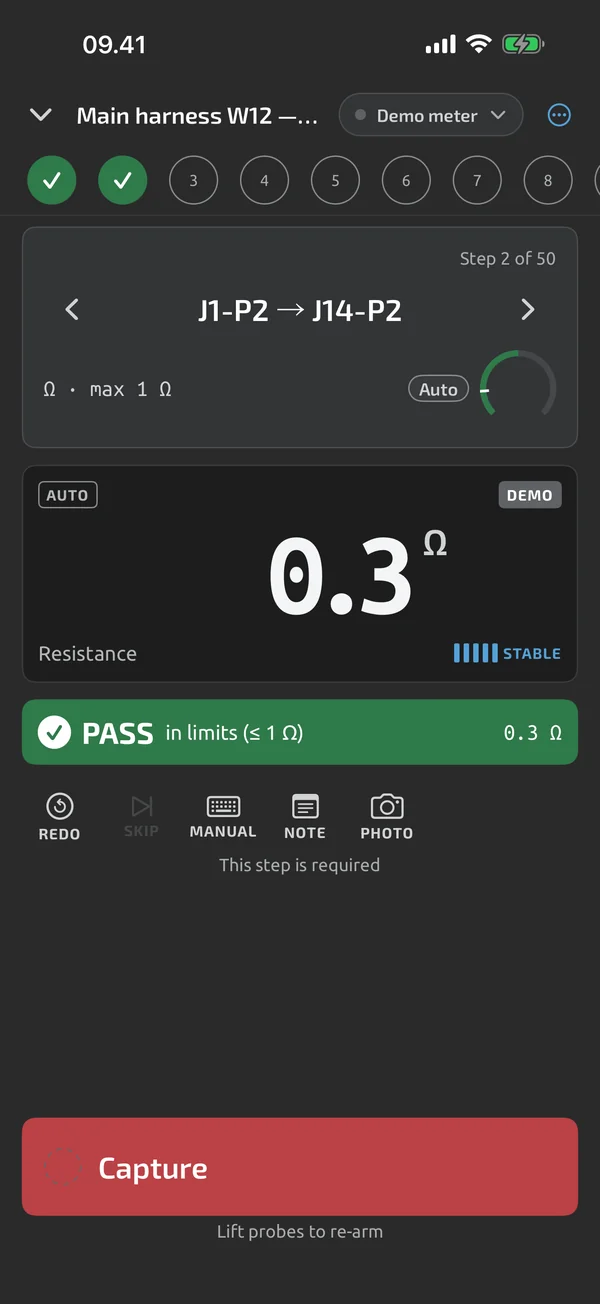
With both hands on the probes, the app captures the reading for you once it is steady. Auto-capture in test runs is Pro, and you can try it on your first test runs; Pro is an in-app upgrade, see Pricing.
iOS and Android, beta this winter.
What triggers a capture
Auto-capture fires on the stable signal from the stability bars Pro. It captures the stable value, not the instantaneous reading. It fires only when it is armed, the reading's function and unit match the step, the screen is on and the app is in the foreground, and at least 1 s has passed since the last capture. Each auto-capture plays the capture beep, on by default, and a haptic.
Turn it on
Set it as a template's default capture mode, per step, or with the Auto chip during a run Pro. The capture button shows the arming state: the ring fills with the stability bars, and a grey ring means the app is waiting for a probe lift.
One capture per pin
After each auto-capture, the next one needs a probe lift or a significant change: the reading goes OL or UL, it moves more than the larger of 10 counts or 5 % from the last captured value, or the function, range or REL changes Pro. Moving the probes from one pin to the next passes through OL on continuity, or about 0 V on voltage, which satisfies that. Noise on one pin therefore can't write into the next step. Going to a step by hand arms capture at once.
OL and the wrong function
For steps whose limits are not expect-open, a stable OL or UL means the probes are lifted, and it is never auto-captured. For expect-open steps, a stable OL is captured under the same arming rules Pro. A reading on the wrong function or unit is never auto-captured.
On meter HOLD
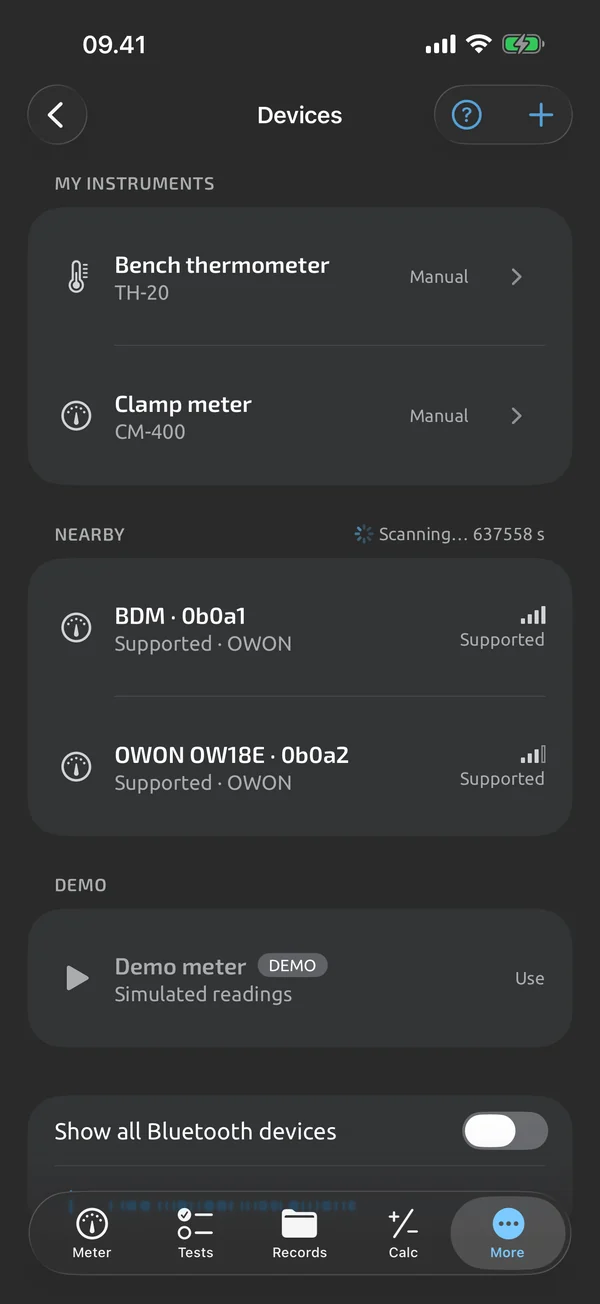
Choose On meter HOLD as the capture mode, and a capture fires when the meter's HOLD flag turns on. The held value is captured and no stability is needed Pro.
Auto-record in logging
Outside test runs, Auto next to the Capture button fires on a stable reading in the same way, while the screen is on and the app is in the foreground. See Quick capture.
What it does and doesn't do (yet)
| What it does | Plan |
|---|---|
| Saves a steady reading with no tap, and needs a probe lift or a clear change before the next capture. | ProTry it on your first test runs. |
| Auto-record saves a capture when the reading becomes stable. | Free |
| Five stability bars show when a reading is steady. | Free |
Pro is an in-app upgrade. See what is Free and what is Pro.
Not yet, or not planned
- Auto-capture never captures a function/unit mismatch or a stable OL on a non-open step.
- No watch or hardware-button remote capture.
Questions
Why doesn't it capture the same pin twice?
After an auto-capture, the next one needs a probe lift or a significant change: OL or UL, a move of more than the larger of 10 counts or 5 % from the last captured value, or a change of function, range or REL.
Does it average readings?
No. It captures the detector's stable value, not the instantaneous reading, and not an average.
Does it work with the screen off?
No. Auto-capture fires only while the screen is on and the app is in the foreground.
Coming to iPhone and Android.
iOS and Android, beta this winter.


Questions or a meter to suggest? Mail support@testnmeasure.app.
No ad networks, no sign-up.